Scheduling LinkedIn posts in advance lets you maintain consistent presence without logging in every day. This guide covers every method — native scheduling, third-party tools, and the time and frequency strategies that produce the best results.
15-day money-back guarantee.
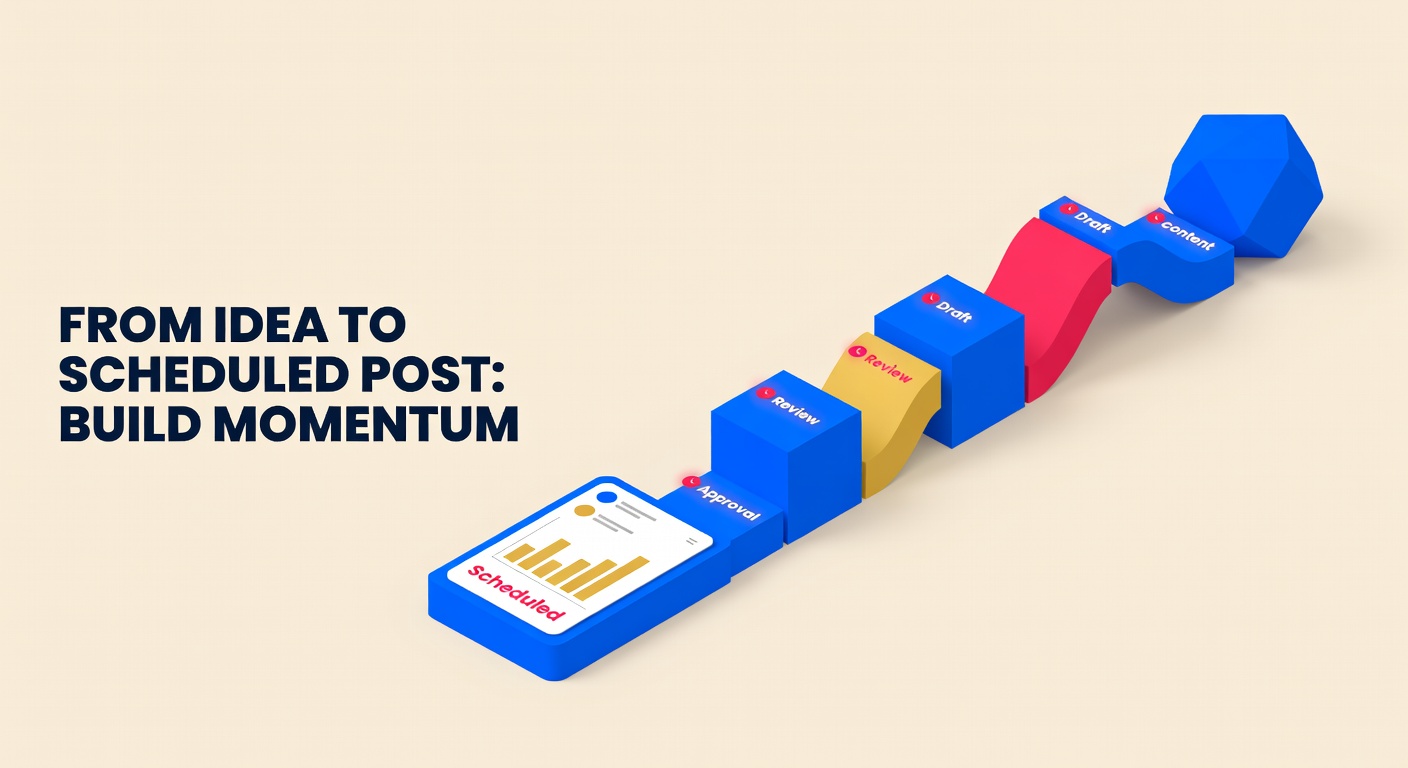
Consistent LinkedIn presence requires posting 3–5 times per week at optimal times — which typically conflicts with actual working hours. Scheduling posts in advance solves this without requiring you to manually post at 8 AM every Tuesday.
Choose a scheduling method
LinkedIn has native scheduling built into its post composer, available on desktop and mobile. For scheduling more than a few posts at a time, or for managing posts across multiple platforms, a third-party scheduling tool is significantly more efficient. Native LinkedIn scheduling handles up to 90 days in advance. Third-party tools typically have no horizon limit.
Write your post with the truncation in mind
LinkedIn truncates posts at approximately 210 characters in the feed with a "see more" prompt. Your opening two or three sentences must stand alone as a compelling reason to click. Write the hook before the body. For text posts, use line breaks generously — solid paragraphs perform poorly on LinkedIn because they appear dense and uninviting in the feed.
Add media correctly
If including an image, upload it directly to LinkedIn rather than using a link preview. Native images outperform link previews in reach. For documents, upload a PDF carousel — these consistently achieve 3x more impressions than standard image posts. For video, upload the file directly rather than linking to YouTube, as LinkedIn deprioritizes external platform links.
Handle external links strategically
LinkedIn's algorithm reduces reach for posts that contain external URLs in the post body. If your post includes a link — an article, a product page, a landing page — place the link in the first comment and write "Link in comments" or "Full article in comments" in the post body. Reference it clearly so readers know where to go.
Select your scheduling time based on your audience's time zone
LinkedIn's highest engagement windows for most professional audiences are Tuesday through Thursday, 8–10 AM and 12 PM in the audience's local time zone. If your audience is primarily US East Coast, schedule for Eastern Time. If your audience spans time zones, the Eastern morning typically reaches the highest combined professional population during active hours.
Schedule and confirm
In LinkedIn's native composer, click the clock icon at the bottom of the post and select your date and time. Confirm, and LinkedIn will publish automatically. In a third-party scheduler, connect your LinkedIn account, paste or compose your post, set the date and time, and click Schedule. The post will publish via LinkedIn's API without any manual action at publish time.
Plan to engage in the first hour after publishing
LinkedIn's algorithm scores posts based on engagement in the first 60–90 minutes after publishing. If possible, be available to respond to comments during this window. Reply to every comment — even a brief acknowledgment signals activity, which expands algorithmic distribution. This is why you schedule for a time when you can also be present.
Schedule weeks ahead with Postprism
Postprism connects to LinkedIn via the official API and schedules posts to publish automatically. You can schedule individual posts, bulk import via CSV, or set recurring patterns — all from the same content calendar.
AI writes your LinkedIn posts in the right register
Postprism's AI generates LinkedIn-optimized posts from your raw ideas — professional tone, hook-first structure, and no external links in the post body. It also generates adapted versions for Twitter/X, Instagram, and TikTok simultaneously.
Content calendar shows your full posting schedule
See all your LinkedIn posts scheduled for the month in one calendar view. Spot gaps before they happen and fill them in a single session without scrambling for content at the last minute.
Start free. Upgrade when you need more.
Creator
For solo creators who post consistently across platforms.
1 workspace
All 7 platforms
100 scheduled posts per month
AI content adaptation
Content calendar
Basic analytics
Pro
For marketers who need AI, analytics, and volume.
3 workspaces
All 7 platforms
Unlimited scheduled posts
AI content adaptation
Brand voice training
Bulk scheduling
Advanced analytics
Team
For agencies and teams managing multiple brands.
10 workspaces
All 7 platforms
Unlimited scheduled posts
AI content adaptation
Brand voice per workspace
Team collaboration
Priority support
Join thousands of marketers who schedule smarter with Postprism.