Primsatic — AI Image Generator

Generate Images With the Visual Quality of Film Cinematography

Primsatic's Cinematic preset produces images that match the visual quality of high-budget film frames — anamorphic lens characteristics, dramatic lighting ratios, accurate color grading, and the subtle imperfections that make cinematography feel real.

Free to generate. No account required to try.
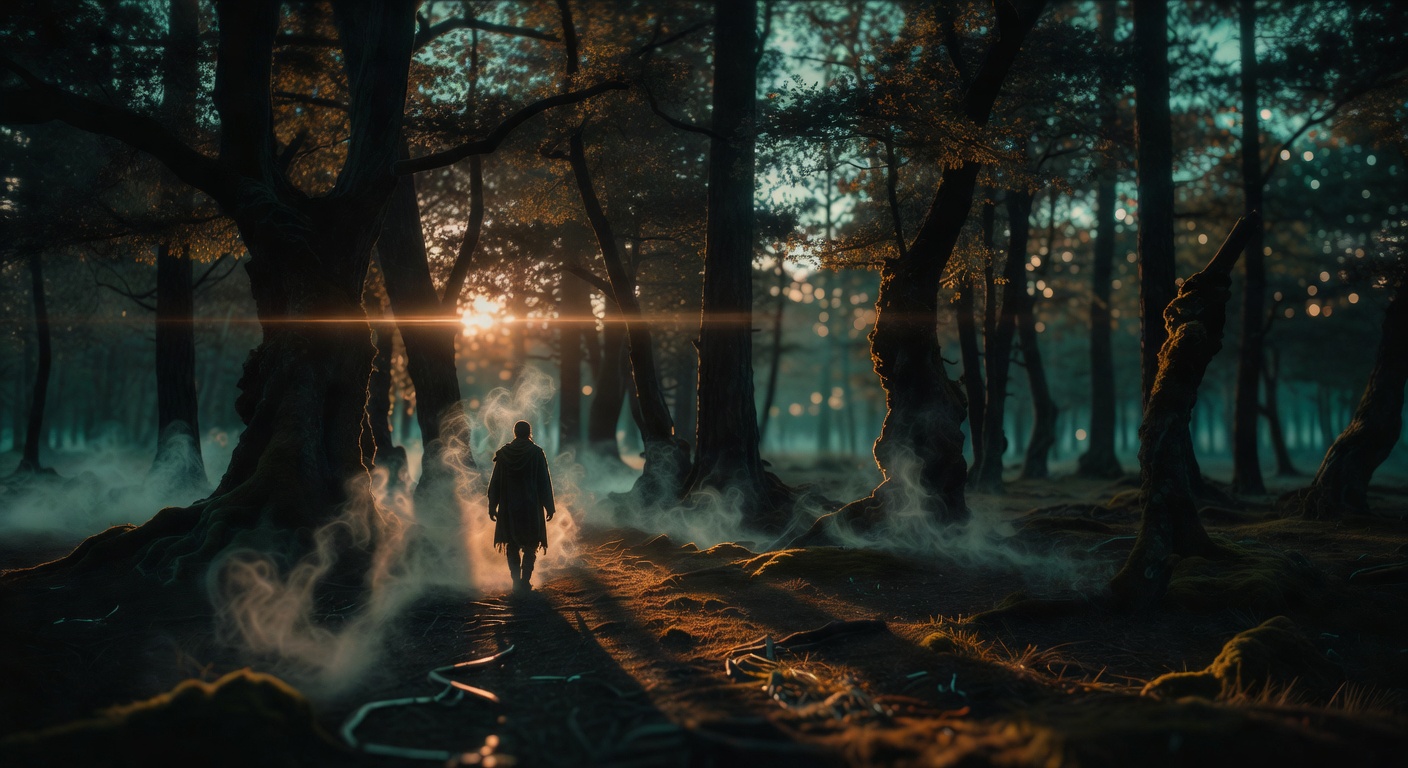
Cinematic forest scene with anamorphic lens flare and teal-orange grade

Cinematic examples

Every image below was generated with this style. Each prompt was unique — the style is consistent.

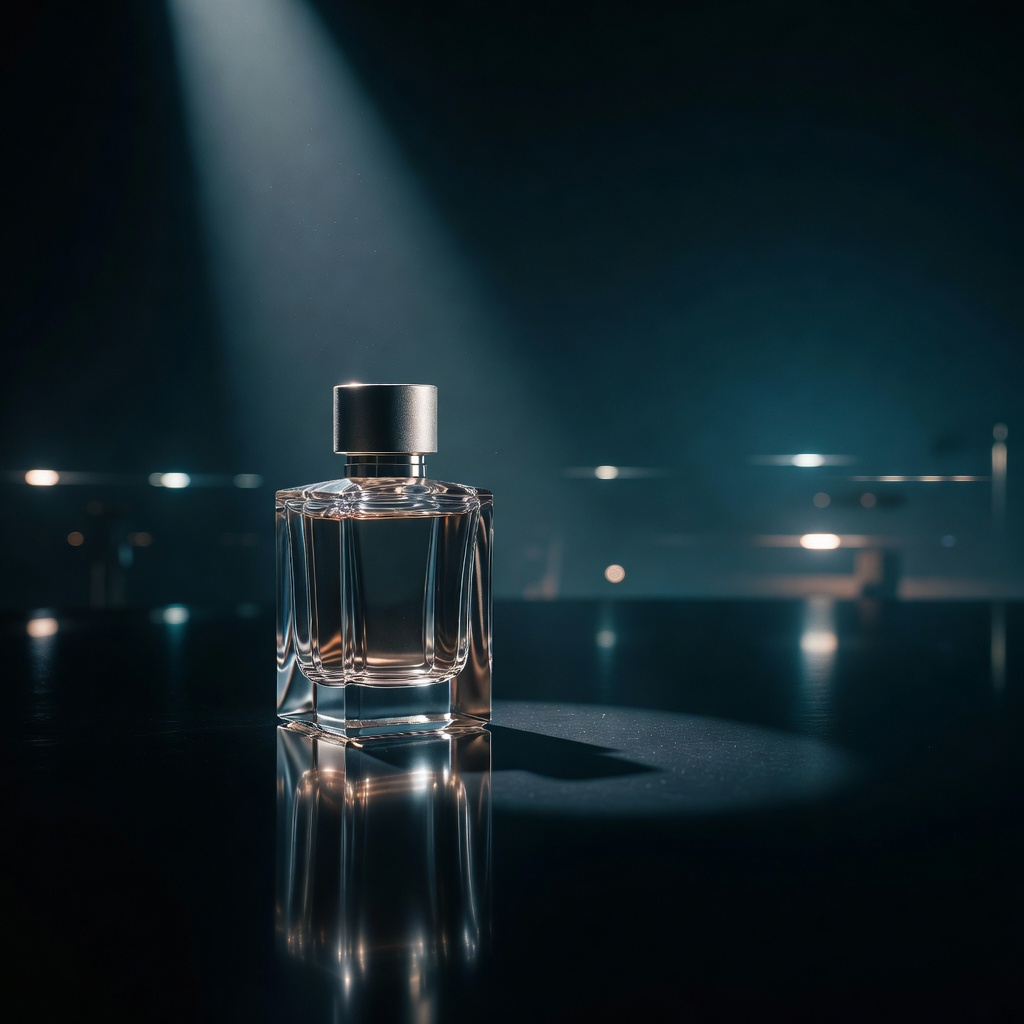
Cinematic luxury perfume product shot with dramatic lighting
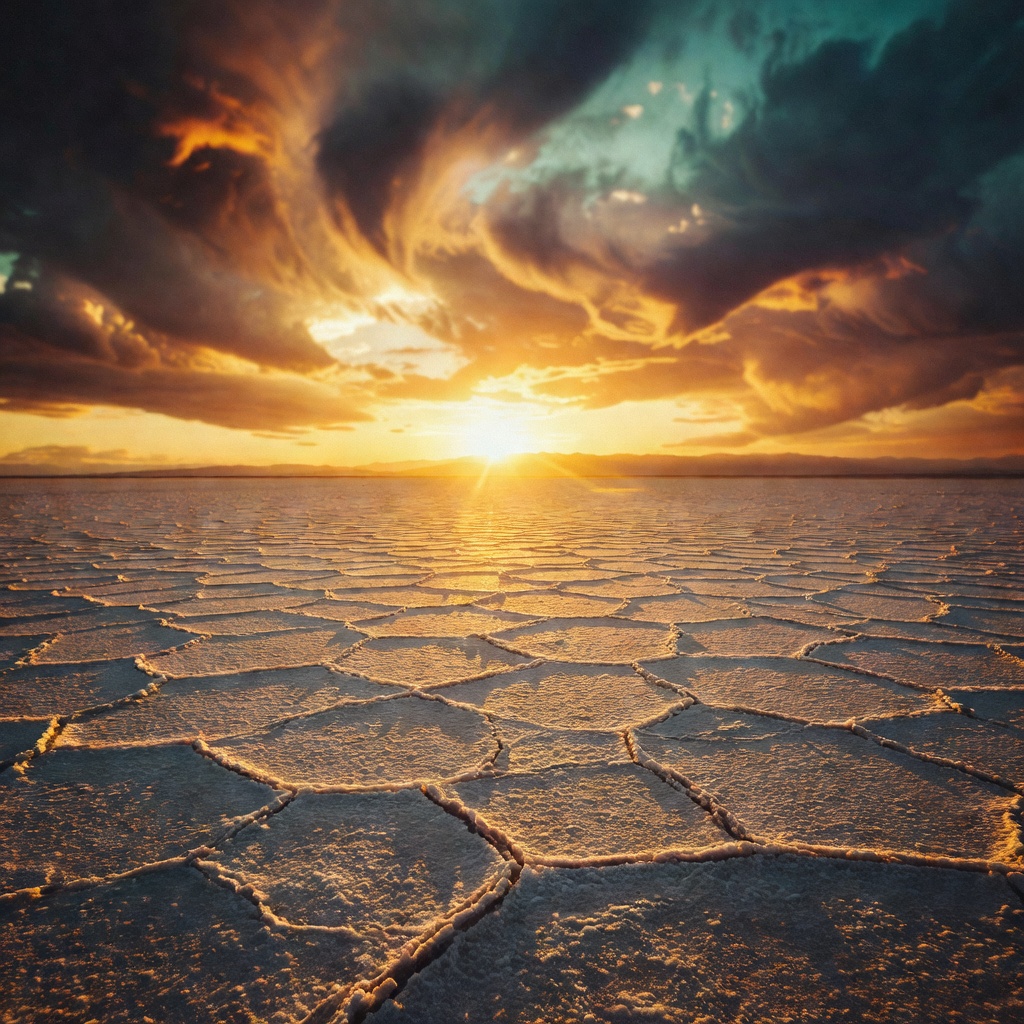
Cinematic desert landscape at sunrise with long shadows
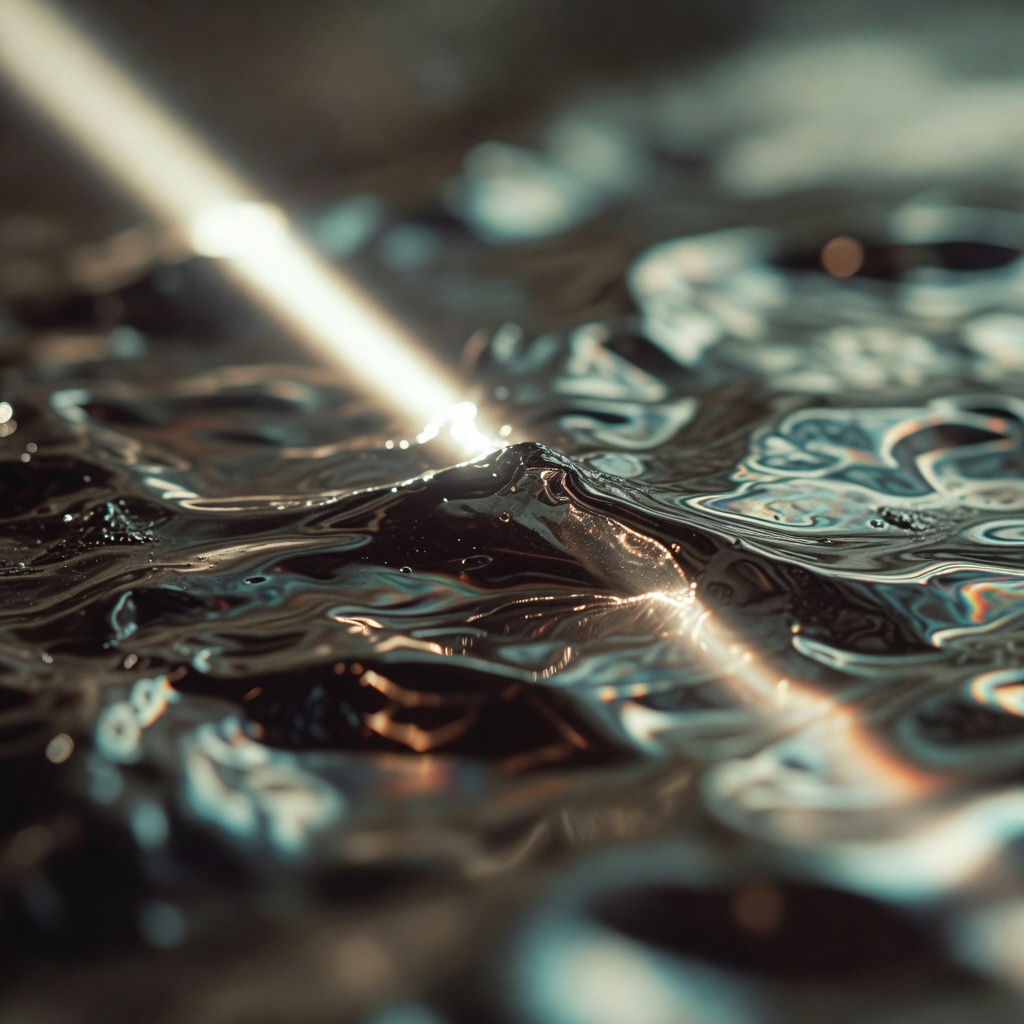
Cinematic abstract mercury surface close-up
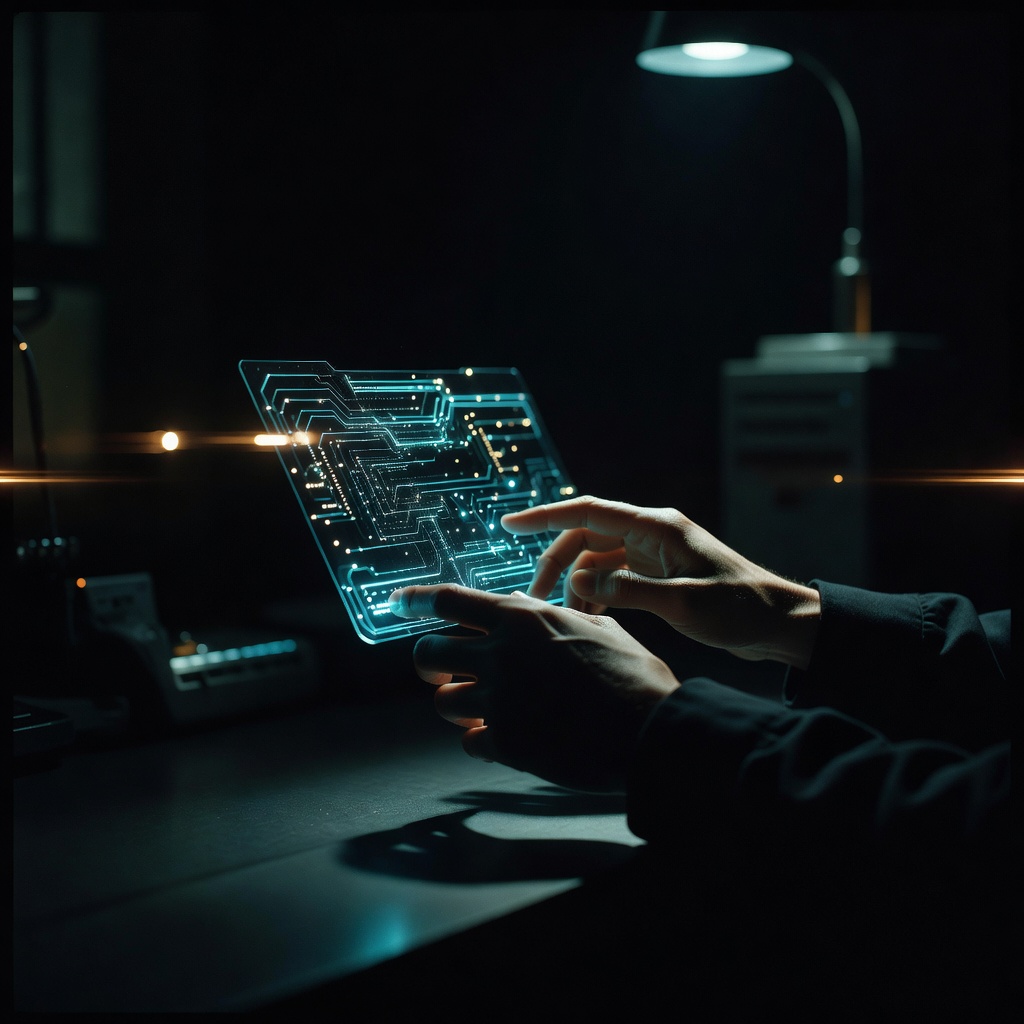
Cinematic holographic interface tech concept
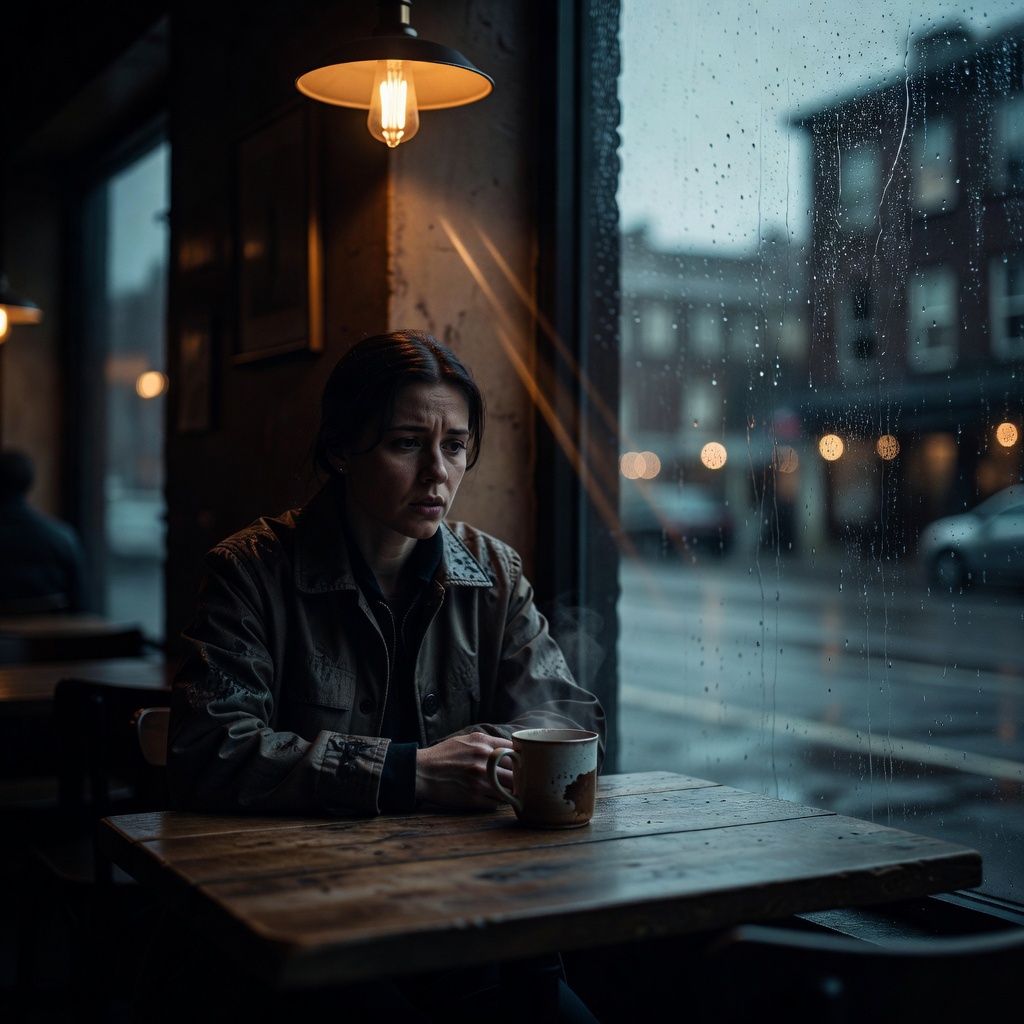
Cinematic rainy cafe portrait with warm-cool color contrast

What makes Cinematic distinct

  • Anamorphic lens characteristics — horizontal lens flare, oval bokeh, and characteristic barrel distortion

  • Shallow depth of field with smooth, gradual focus fall-off from primary subject to background

  • Deliberate color grading in the cinematic tradition — teal shadows, warm highlights, or period-specific palettes

  • Subtle film grain and halation that adds organic texture and warmth to digital imagery

  • Dramatic lighting ratios with deep shadows and precise highlight control

Best for

Premium brand and campaign imagery

Cinematic style communicates luxury, quality, and emotional resonance — appropriate for brand campaigns that want to position at the premium end of their category.

Hero images and editorial photography

Create striking editorial-style hero images for websites, publications, and presentations where visual impact and emotional tone matter.

Film and entertainment content promotion

Generate promotional imagery for films, podcasts, video series, and creative projects that matches the production quality of the content itself.

Social media content that stops the scroll

Cinematic images are among the most visually distinct content on social platforms dominated by flat graphics and casual photography. They generate significantly higher engagement rates.

How to generate cinematic images

  1. 01

    Choose the Cinematic preset in Primsatic. The preset configures generation for film-quality rendering, including lens characteristics, color grade profile, and depth of field parameters.

  2. 02

    Write a prompt that includes: the scene or subject, the lighting setup (golden hour, dramatic overhead, practical lamp source), the desired color grade ("teal-orange grade," "desaturated cold grade," "warm golden tones"), and any specific lens effects ("anamorphic lens flare," "heavy film grain"). Reference specific cinematographers or films for strong style direction.

  3. 03

    Cinematic images often need 1–2 iterations to dial in the color grade and mood precisely. Describe specific adjustments: "more shadow detail," "increase the blue in the shadows," "reduce the lens flare intensity." Each iteration moves the result closer to the exact tone you want.

Cinematic AI generator — questions

Yes. Referencing cinematographers and directors in your prompt (Roger Deakins' style, Blade Runner 2049 color grade, Kubrick symmetrical composition) significantly guides the AI toward specific visual aesthetics. These are strong style prompts that the model responds to well.

Explore other styles

Generate your first cinematic image

Professional visuals in seconds.

15-day money-back guaranteeCancel anytime