Primsatic — AI Image Generator

Generate Photorealistic Isometric Images With AI

Primsatic's Photorealistic Iso preset combines the precise 45-degree perspective of isometric illustration with photorealistic material rendering — achieving the geometric clarity of technical illustration with the visual richness of 3D product photography.

Free to generate. No account required to try.
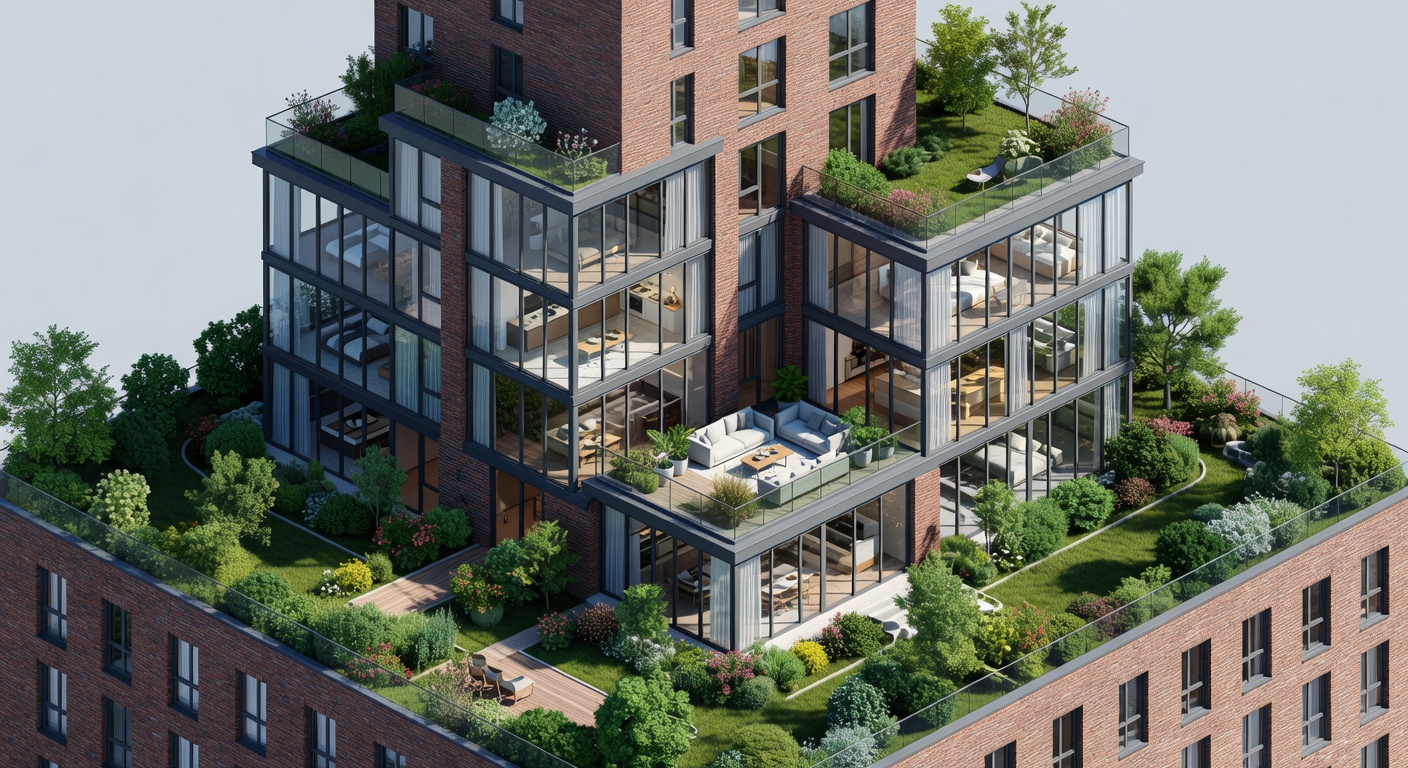
Photorealistic isometric apartment building with detailed interiors

Photorealistic Iso examples

Every image below was generated with this style. Each prompt was unique — the style is consistent.

Photorealistic isometric smartphone with realistic materials
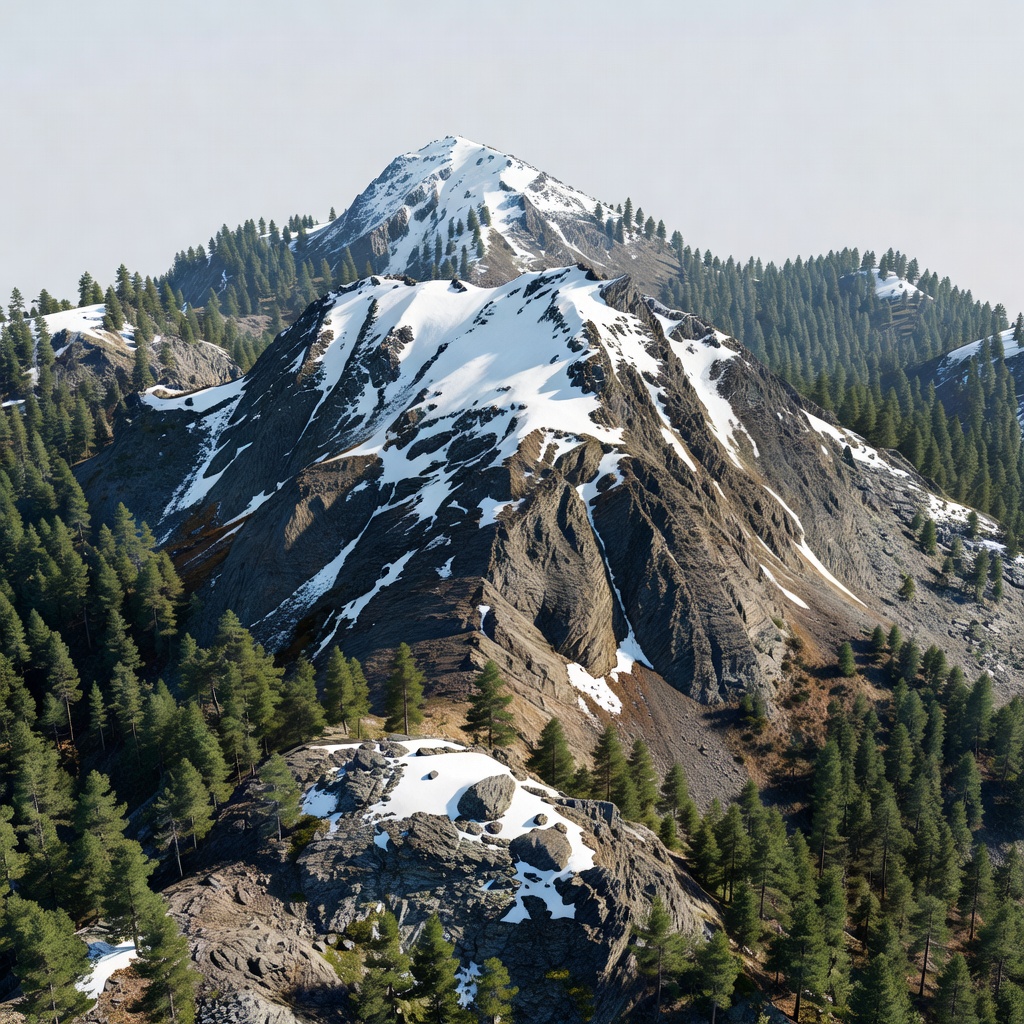
Photorealistic isometric mountain terrain with accurate textures
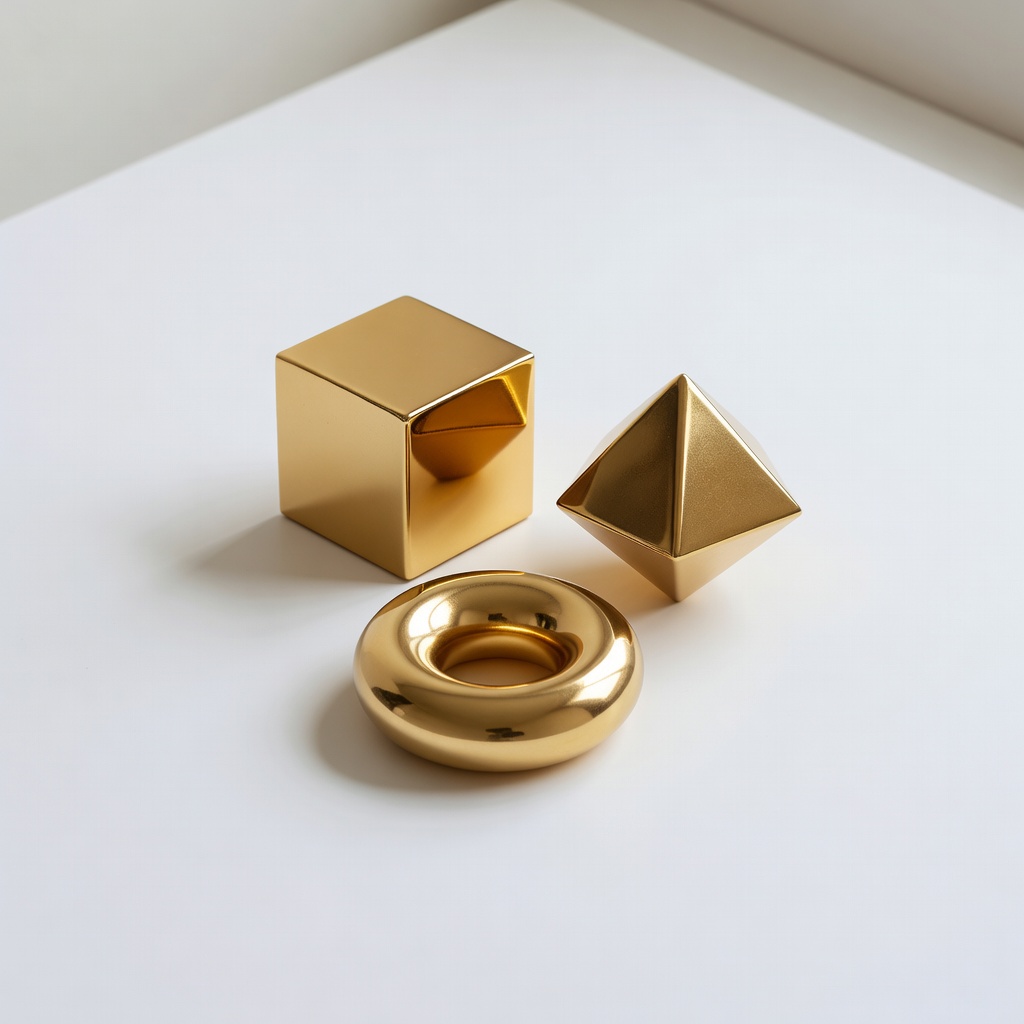
Photorealistic isometric metallic geometric objects on white
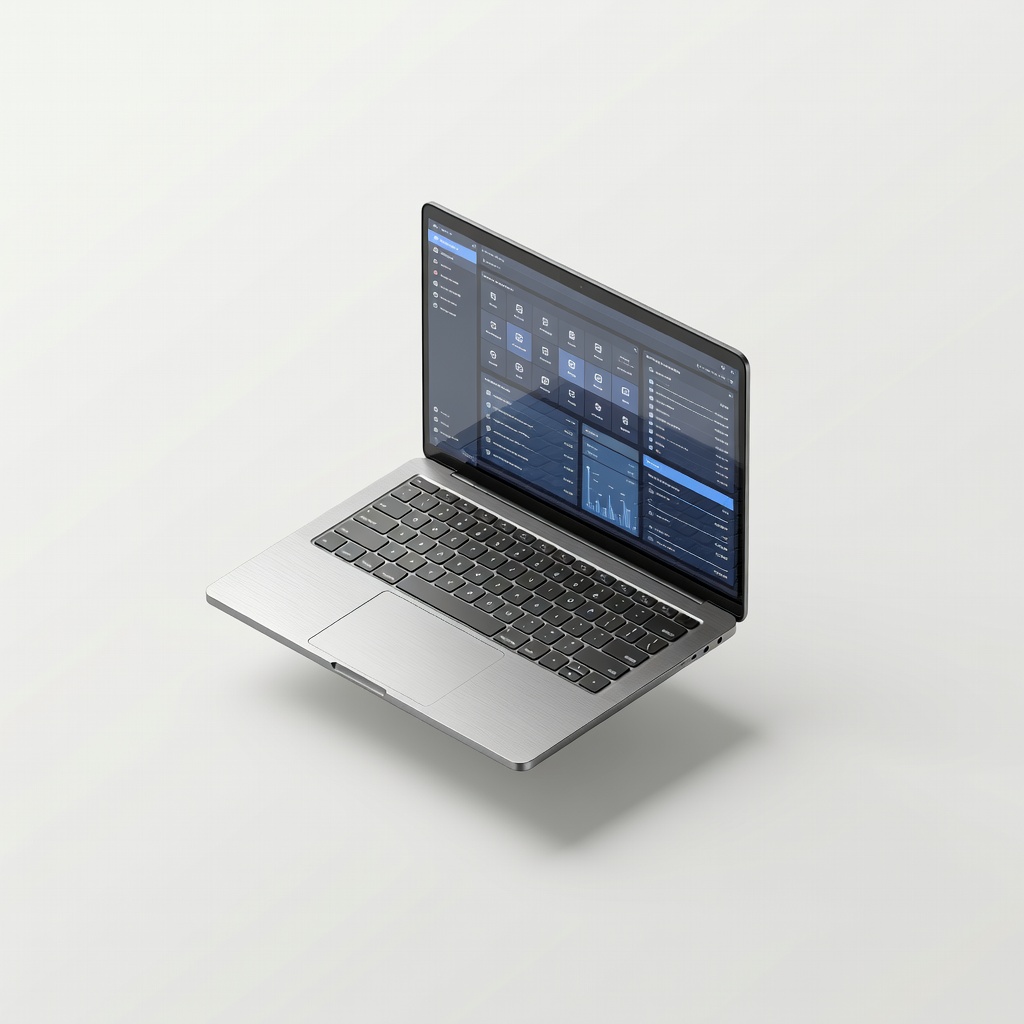
Photorealistic isometric laptop with brushed aluminum and glass
Photorealistic isometric home office with realistic materials

What makes Photorealistic Iso distinct

  • Fixed 45-degree isometric perspective combined with full physically based material rendering

  • Accurate subsurface scattering, reflection, and refraction on materials within the isometric frame

  • Photorealistic shadows from a consistent overhead light source appropriate to the isometric viewpoint

  • Higher material and texture detail density than standard isometric illustration — surfaces look touchable

  • Maintains the iconic isometric clarity of object arrangement while elevating visual quality to 3D render standards

Best for

High-end tech and SaaS product illustrations

Photorealistic iso elevates standard isometric product illustrations to near-render quality — appropriate for premium product pages, high-traffic marketing assets, and investor materials.

Architectural and real estate visualization

The isometric perspective is widely used in architectural visualization. Photorealistic materials and lighting elevate concept visualization to near-production quality.

Game and app store promotional imagery

Many mobile games and apps use isometric art as their visual identity. Photorealistic iso produces striking promotional images and app store screenshots.

Infographic and data visualization imagery

Pair photorealistic iso imagery with data overlays and diagrams for high-quality editorial and publication graphics that stand above standard stock photography.

How to generate photorealistic iso images

  1. 01

    Open Primsatic and choose the Photorealistic Iso preset. This preset configures the generation for 45-degree isometric perspective with physically based material rendering and photorealistic lighting — the combination of both visual styles.

  2. 02

    Write a prompt describing the scene, objects, and their materials: "photorealistic isometric render of [subject], [material description], [lighting description], 45-degree isometric perspective." Include the material quality you want: "realistic wood texture," "accurate glass refraction," "metallic surface with reflections."

  3. 03

    If the isometric perspective or material quality needs refinement, describe specific adjustments: "increase material realism on the glass surface," "ensure strict 45-degree isometric angle," "add ambient occlusion to the contact shadow." Photorealistic iso can take 2–3 iterations to balance perspective precision with material quality.

Photorealistic Iso AI generator — questions

Standard Isometric Illustration uses flat or stepped color fills with minimal material simulation — the goal is clarity and a clean graphic style. Photorealistic Iso applies full physically based rendering within the isometric frame: accurate reflections, subsurface scattering, natural lighting, and texture detail. The perspective is the same; the material and lighting quality is significantly higher.

Explore other styles

Generate your first photorealistic iso image

Professional visuals in seconds.

15-day money-back guaranteeCancel anytime