Why AI Image Generation Is Now a Practical Marketing Tool
AI image generation moved from novelty to practical tool in 2025. The output quality of the leading models has reached a point where images generated for social media are often indistinguishable from professionally produced CGI or photography, at a fraction of the cost and time. For solo founders, small marketing teams, and content creators who need to produce visual content at volume, this is a genuine game-changer.
The barrier is no longer quality — it is knowing how to prompt effectively and how to build a workflow that integrates image generation into your content process without adding significant overhead. This guide covers both.
Choosing the Right Style for Social Media
Not all AI image styles work equally well for social media. Photorealistic images can be effective but often look uncanny in ways that experienced viewers notice. Abstract or overly artistic outputs can look impressive in isolation but feel disconnected from your brand in a feed context.
The styles that consistently perform well for social media marketing are: clean 3D CGI compositions (geometric objects, product-adjacent imagery), minimalist graphic illustrations, and data-driven visualisations rendered as images. These styles look professional, stand out in feeds dominated by photography, and scale well across multiple posts because they maintain a consistent visual language.
- 3D CGI with clean white or neutral backgrounds — highest versatility for B2B and professional content
- Flat geometric illustration — works well for tech and startup brands
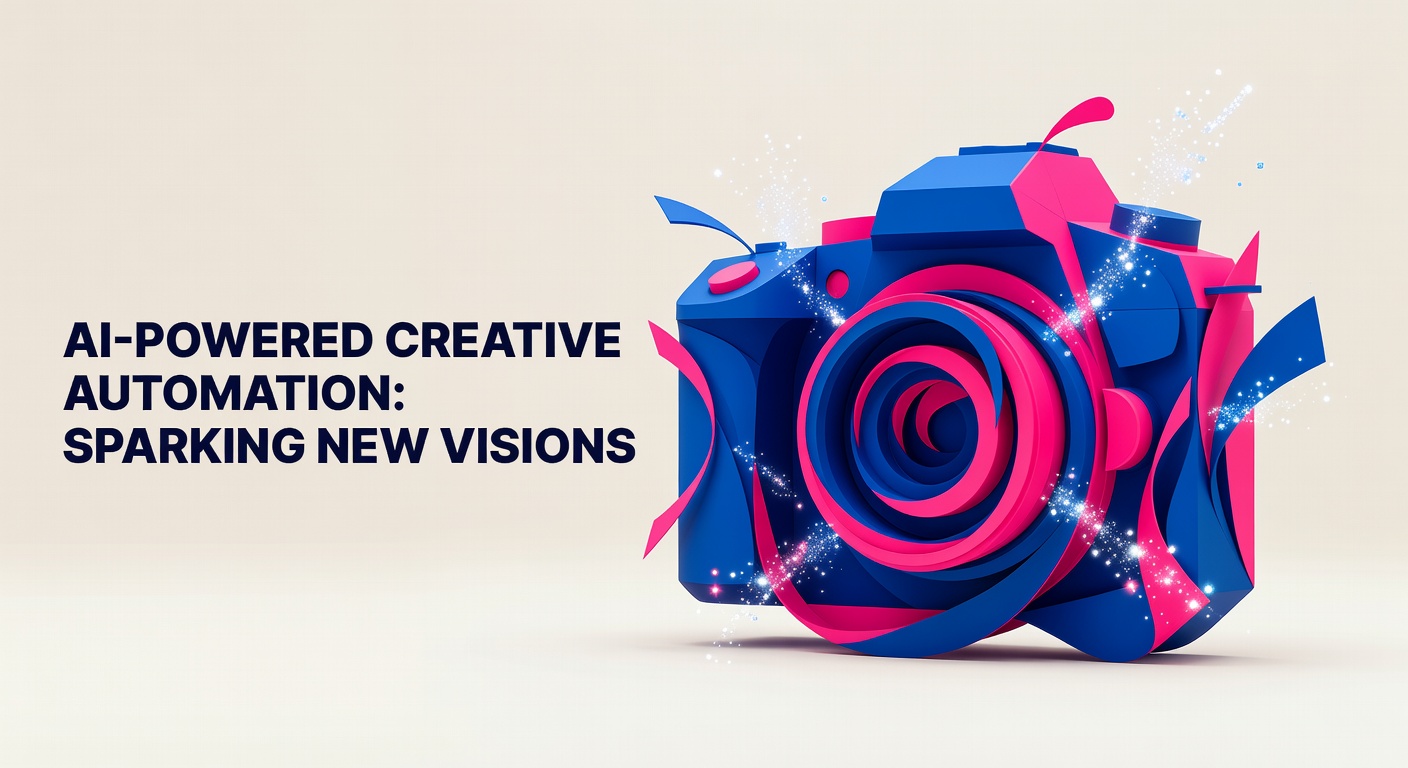
- Abstract conceptual imagery — strong for thought leadership and ideas-driven content
- Avoid: photorealistic people (uncanny valley risk), heavily stylised art (brand inconsistency)
Writing Prompts That Actually Work
The quality of your AI-generated image is determined almost entirely by the quality of your prompt. Vague prompts produce generic results. Specific, detailed prompts produce distinctive, usable images. Learning to prompt well is the single highest-leverage skill in AI image generation.
An effective prompt for social media images has three components: a description of the subject or scene, a specification of the visual style, and a set of constraints that define what the image should not contain. For example: "A 3D geometric rising bar chart made from chrome and glass blocks, white seamless studio background, professional product photography lighting, no text, 16:9 landscape format." This level of specificity gives the model clear direction and reduces the number of generations needed to get a usable result.
Specify the aspect ratio in every prompt. For LinkedIn and Twitter/X, 16:9 is the standard. For Instagram feed posts, 1:1 square. For Instagram Stories and TikTok, 9:16 vertical. Generating at the wrong aspect ratio and cropping the result almost always produces a suboptimal image. See The Right Image Sizes for Every Social Media Platform in 2026 for the complete dimension guide.
Building a Consistent Visual Style Across Posts
One of the challenges of AI image generation is visual consistency. If you generate a different image for every post with no shared style framework, your feed will look chaotic rather than branded. Solving this requires defining a visual style guide for your AI images — a set of prompt components that you include in every generation to maintain consistency.
Your style guide should specify: background treatment (white studio, gradient, contextual environment), lighting style (soft studio, dramatic directional, natural), colour palette (aligned to your brand colours), and object style (photorealistic, stylised 3D, flat graphic). Including these specifications in every prompt ensures that even images on completely different topics feel visually cohesive when viewed side by side in your feed.
Workflow: From Brief to Published in Under Five Minutes
The efficient AI image generation workflow looks like this: write your social media post first, then write a one-sentence description of the visual concept, expand that into a full prompt using your style guide components, generate two to three variations, select the best, and download at the correct dimensions for your platform. This process, once you have practiced it, takes less than five minutes per image.
The mistake most people make is generating images without a clear brief. Starting with the image and then writing a post to match it is less efficient and produces less coherent content. Your post copy defines the visual concept — the image should illustrate or extend the idea in the text, not replace it. See How to Create Consistent Brand Imagery Across All Social Channels for the full system.
When AI Generation Falls Short
AI image generation is not a universal solution. It performs poorly for: images that need to include specific real products (AI will hallucinate details), images of real people (both the quality and the ethical concerns), content that requires precise text within the image (AI still struggles with readable text in images), and highly regulated industries where image accuracy is critical.
For these use cases, photography or professional design tools remain the better choice. AI image generation is most powerful for conceptual, abstract, and illustrative imagery — where the requirement is visual impact rather than documentary accuracy. Understanding the boundaries of what the tool does well helps you use it in the right contexts and avoid the frustration of trying to make it do something it is not well-suited for.