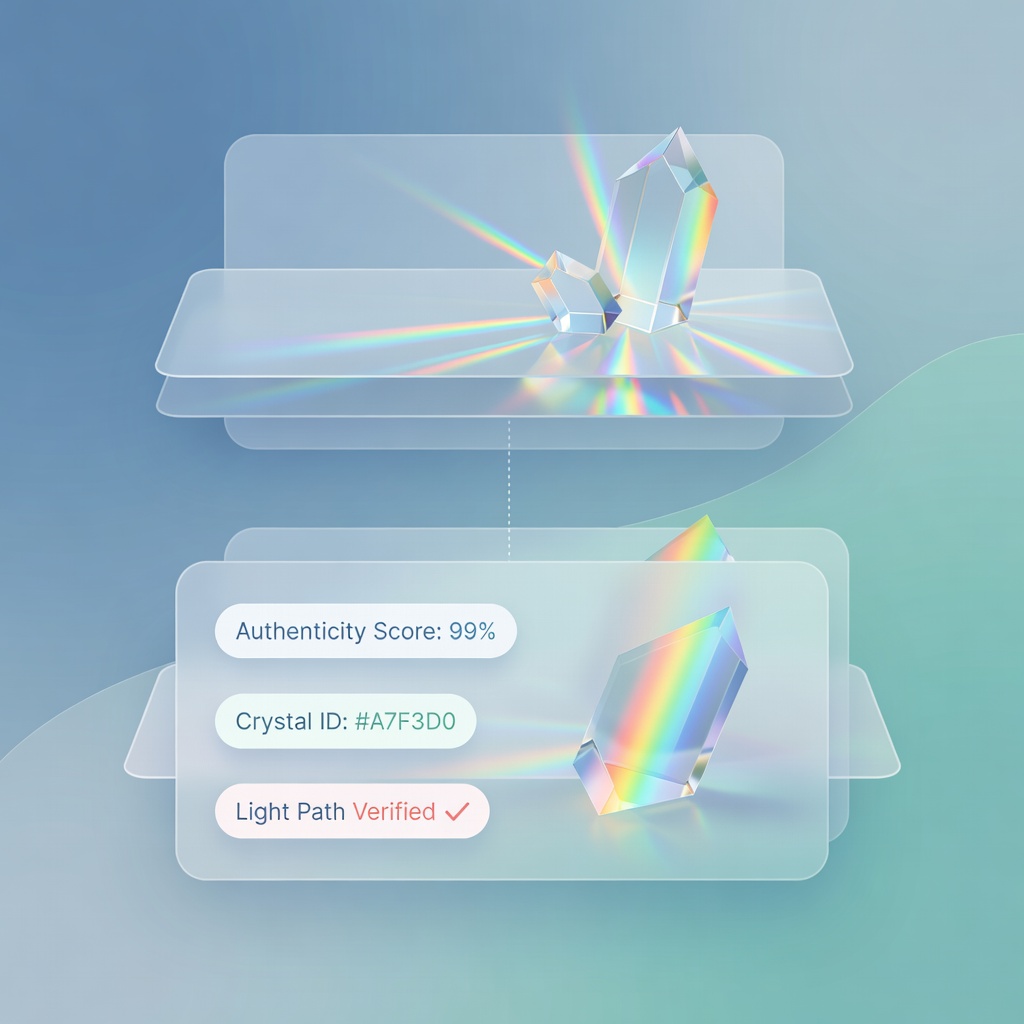
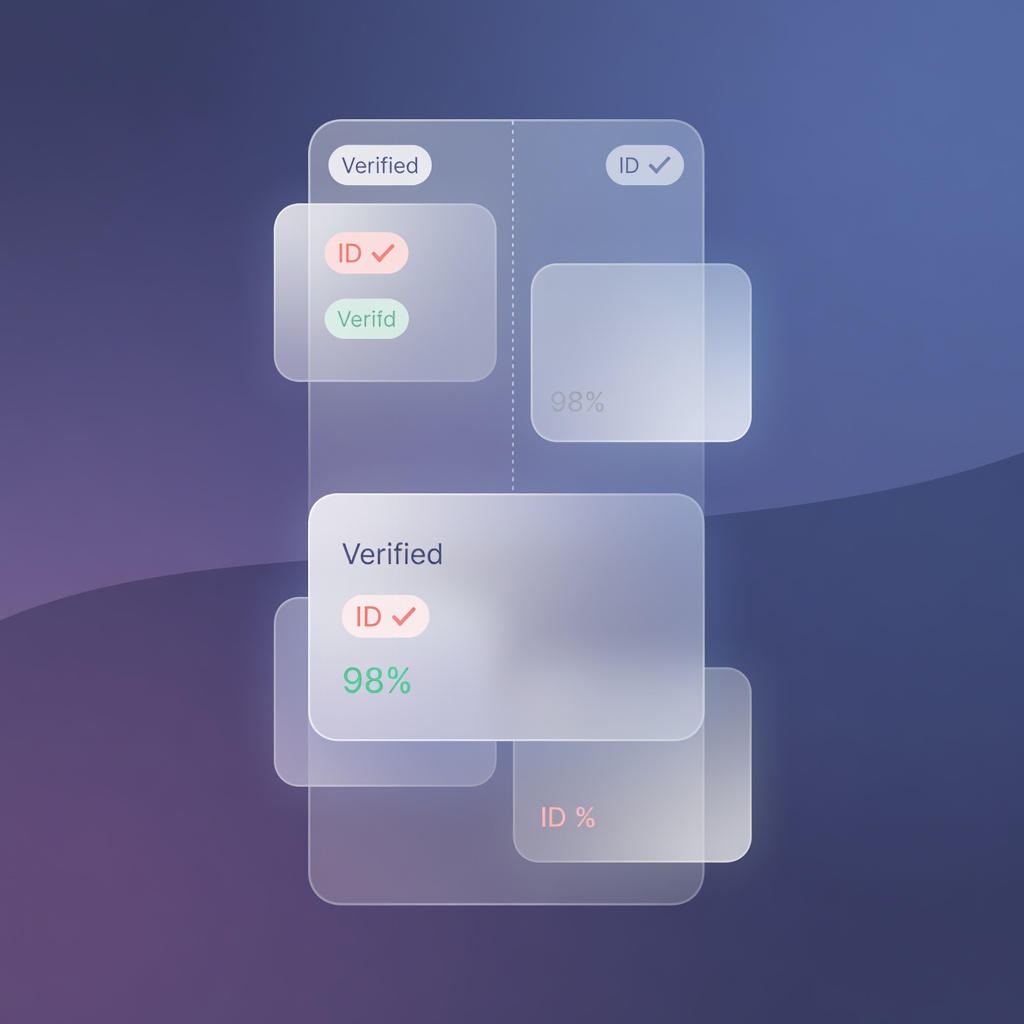
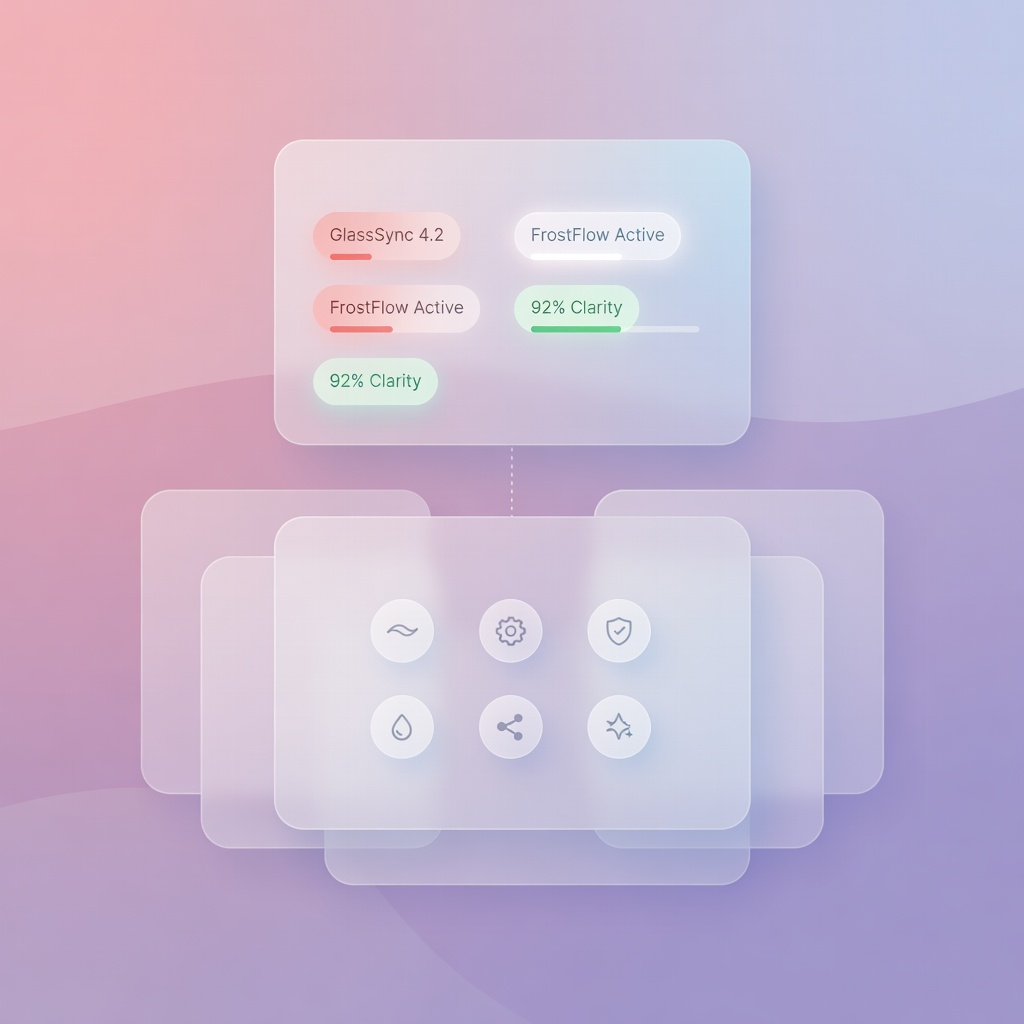
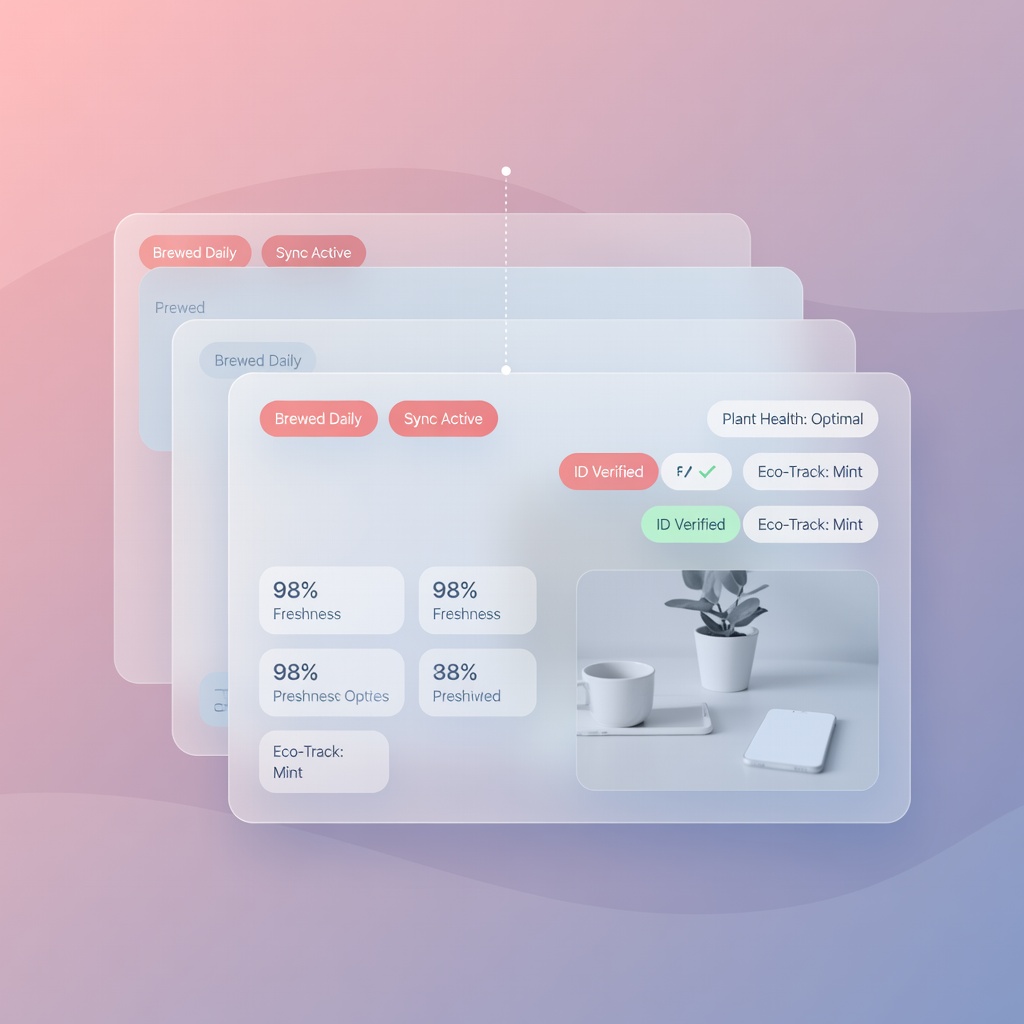
Primsatic's Soft Glass UI preset creates the frosted glass, depth blur, and translucent panel aesthetic popular in modern UI design — for interface mockups, marketing visuals, and design concept imagery.
Free to generate. No account required to try.
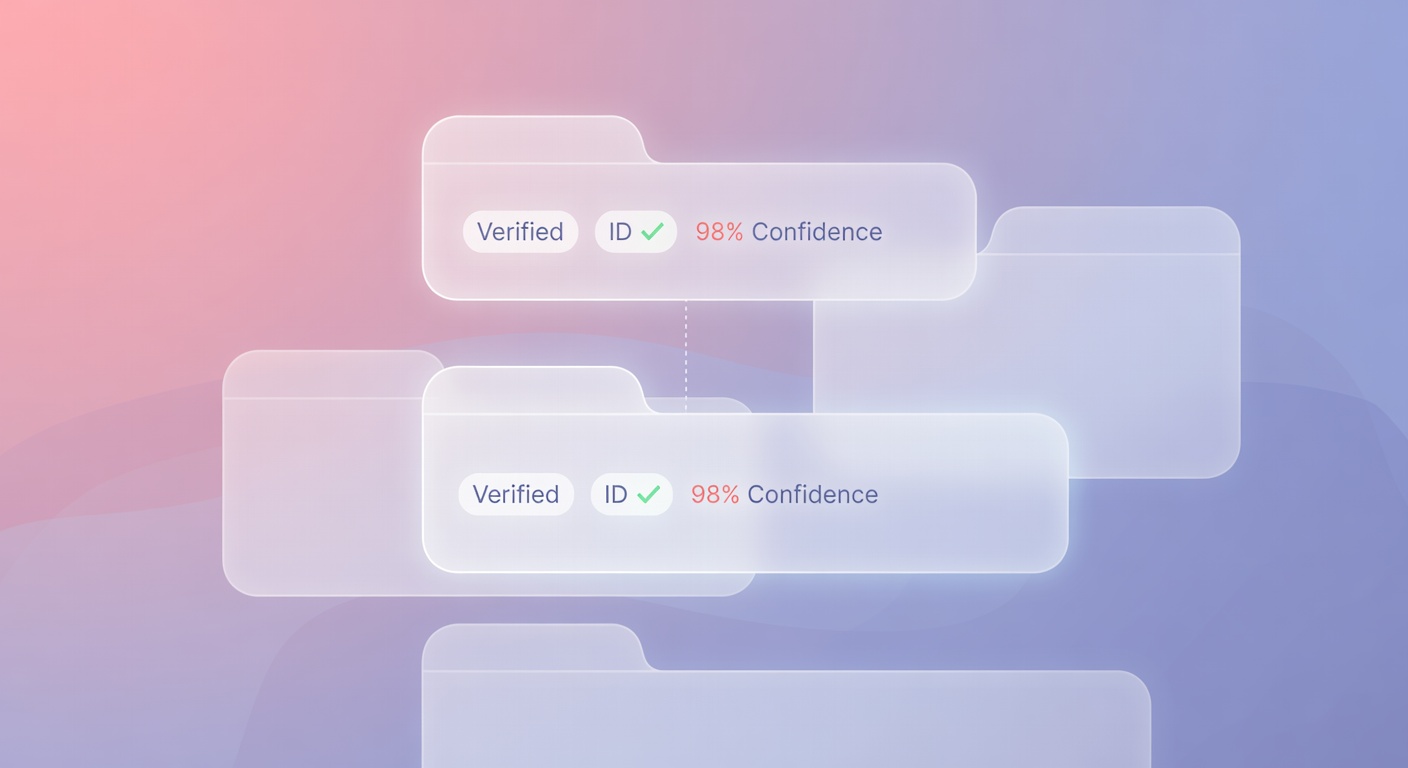
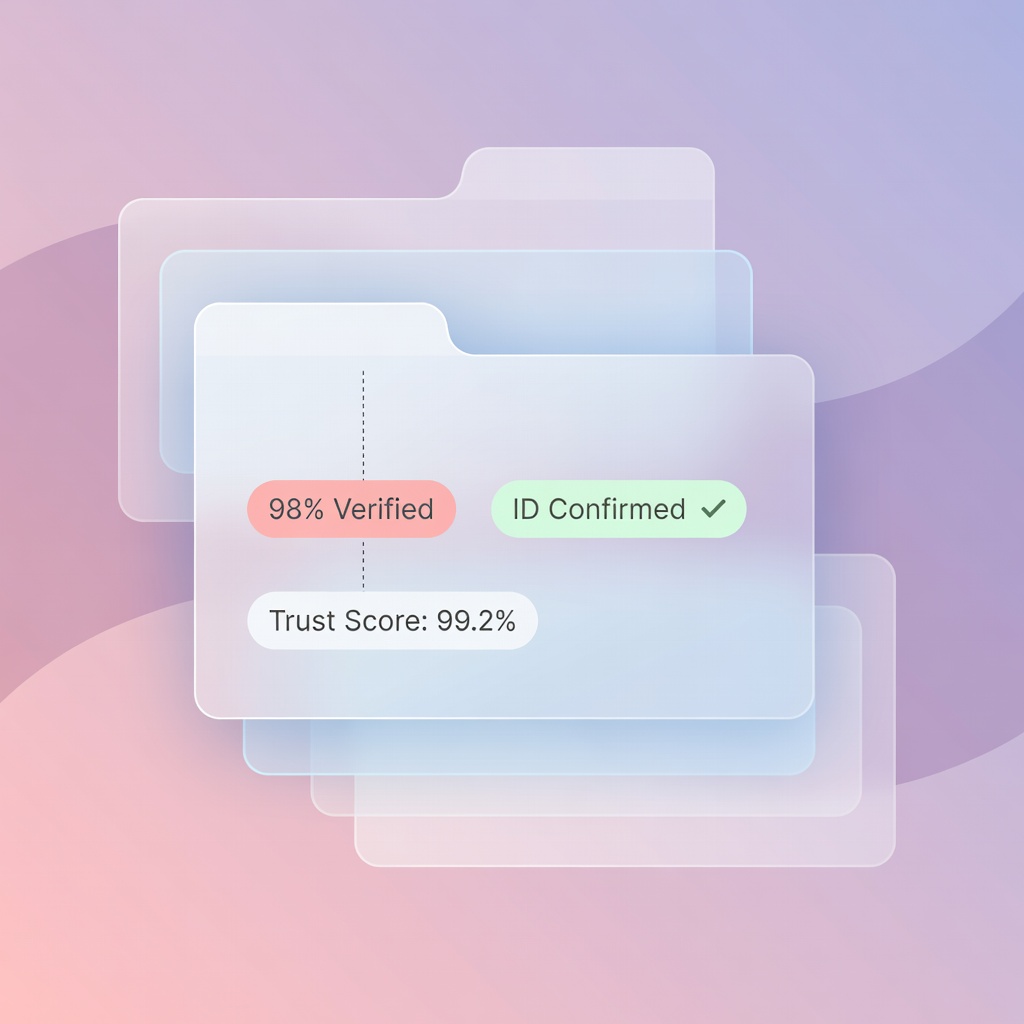
Every image below was generated with this style. Each prompt was unique — the style is consistent.


Frosted glass material with precise backdrop blur that shows content beneath while maintaining translucency
Thin white or light-colored borders that define glass panel edges without hard outlines
Inner glow and subtle reflection highlights on glass surfaces from ambient light sources
Gradient backgrounds — typically purple, blue, pink, or teal — that provide the color that bleeds through glass panels
Layered depth with multiple glass panels at different depths, creating dimensional foreground-to-background relationships
Modern UI and app design mockups
Glassmorphism is a dominant current UI trend across iOS, macOS, and modern web design. Primsatic generates high-fidelity glassmorphism mockups for presentations and concept exploration.
Tech and SaaS marketing visuals
Soft glass UI images work exceptionally well as website hero images and feature section backgrounds for technology products and services.
Product card and feature component imagery
Generate glass-style product cards and feature panels for websites, app stores, and marketing materials without building and screenshotting real interfaces.
Abstract brand and campaign visuals
Glass and light refraction imagery creates premium, modern-feeling brand visuals suitable for ad campaigns, social media, and editorial contexts.
Choose the Soft Glass UI preset in Primsatic. The preset configures generation for frosted glass material rendering, blur depth effects, gradient backgrounds, and the border highlighting characteristic of glassmorphism design.
Write a prompt specifying what the glass panels contain (UI elements, product information, abstract patterns), and the background gradient colors ("purple to pink gradient," "deep blue to teal," "neutral white gradient"). The background color determines what bleeds through the glass.
If the glass effect needs adjustment, describe the change: "increase background blur intensity," "make the glass more transparent," "add more depth layers between panels." The glass properties are responsive to explicit prompt adjustments.
Professional visuals in seconds.