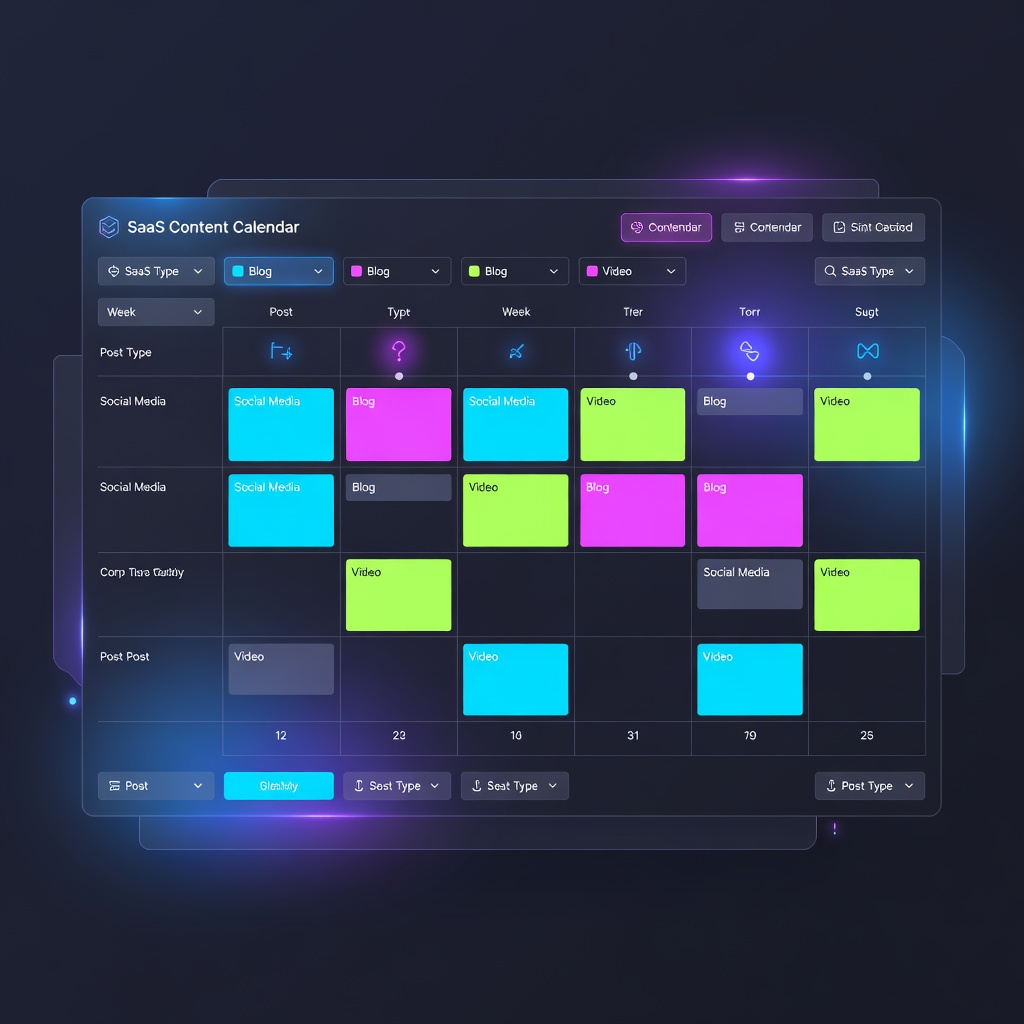
Primsatic's Tech SaaS preset generates polished dark mode dashboard images, analytics visualizations, and SaaS product interface mockups — for marketing pages, pitch decks, and product teasers.
Free to generate. No account required to try.
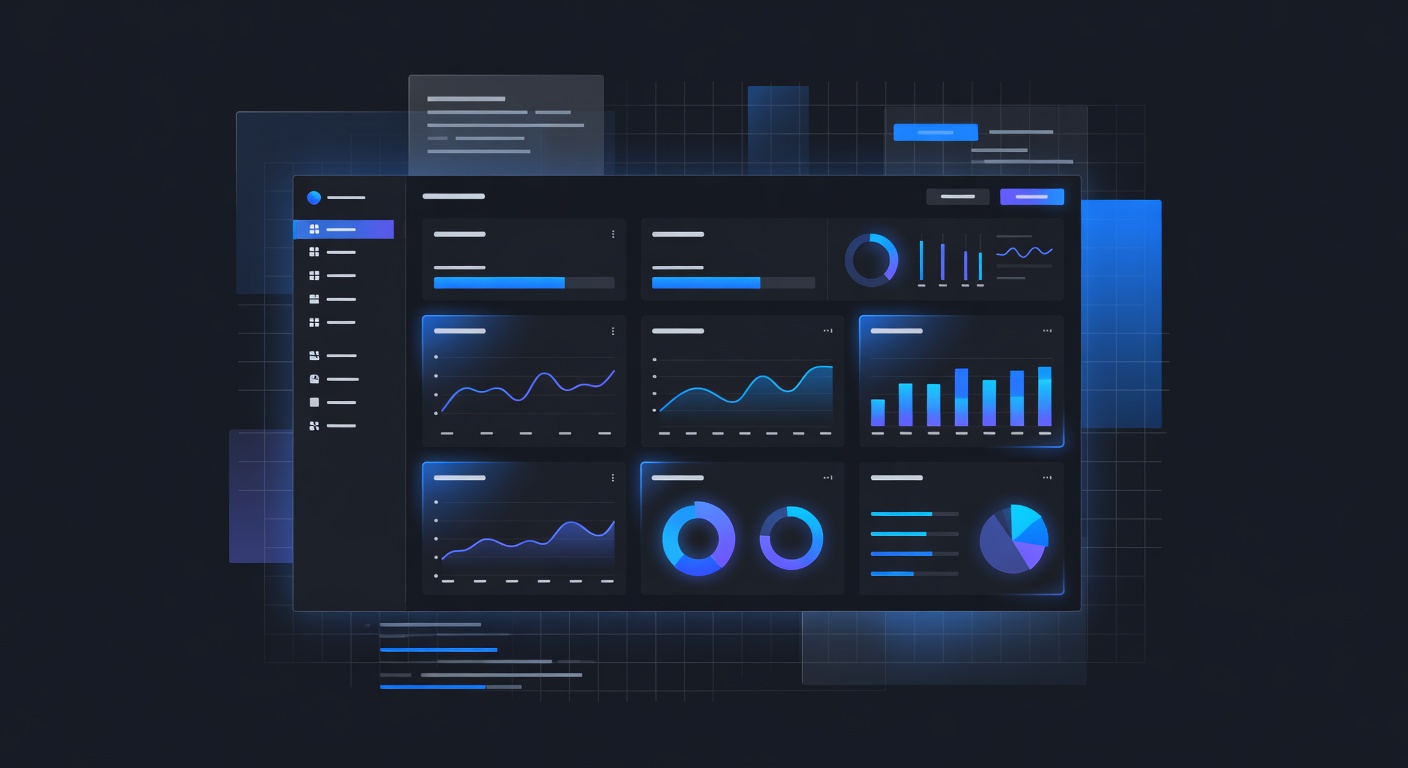
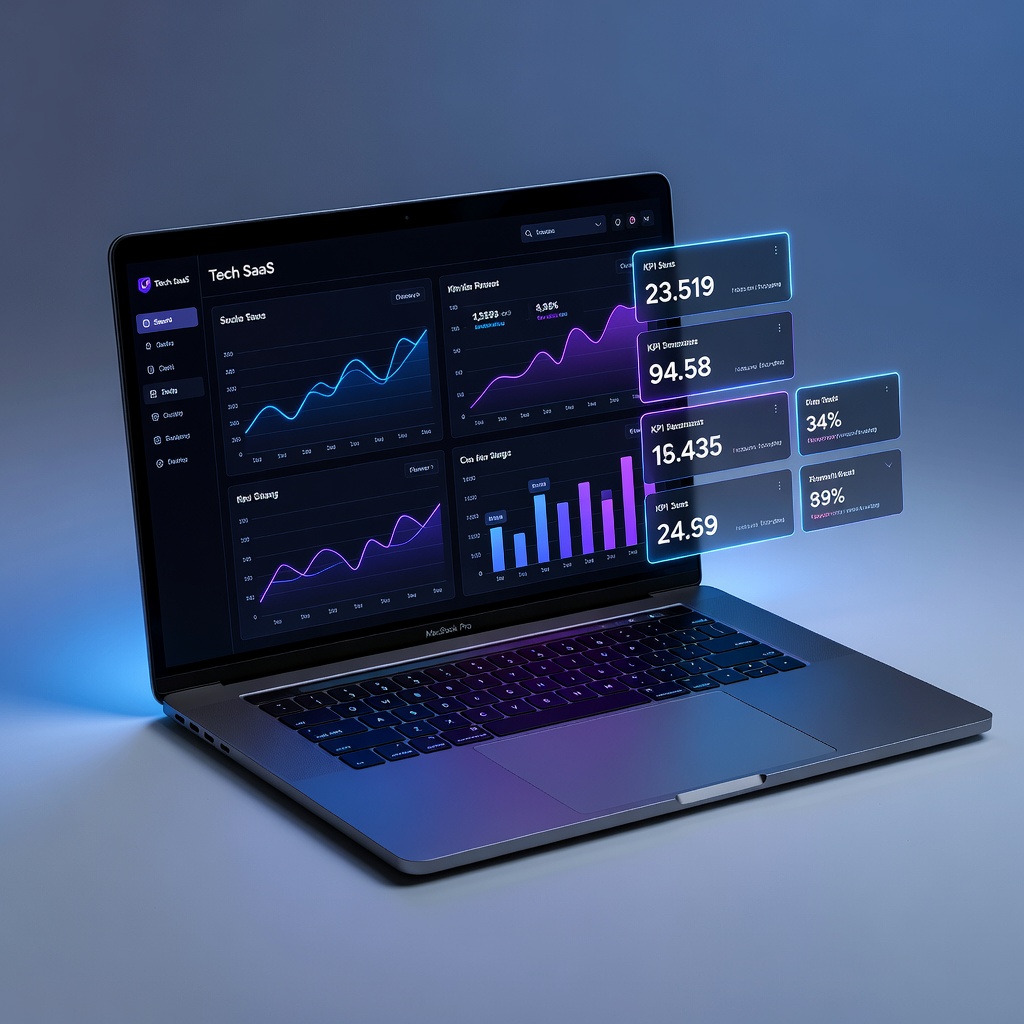
Every image below was generated with this style. Each prompt was unique — the style is consistent.


Dark mode interface aesthetic with appropriate contrast ratios and subtle depth through layered cards
Realistic UI component rendering — typography, buttons, form fields, charts, and data visualizations look interface-native
Blue, purple, and teal accent colors on dark neutral backgrounds — the standard SaaS marketing color language
Sufficient detail density to look authentic at marketing page scale without overwhelming complexity
Compatible with device mockup framing (MacBook, iPhone, browser window) for product page use
Product page hero and feature section imagery
Generate polished interface imagery for product marketing pages when actual screenshots are not ready, are confidential, or are insufficiently polished for public marketing use.
Pitch deck and investor presentation visuals
Illustrate product concepts and interfaces for investor presentations and pitch decks before the product's visual design is finalized.
Blog and content marketing imagery
Create relevant tech and SaaS imagery for blog posts, newsletters, and social media content about software, data, and technology topics.
App store preview and listing imagery
Generate polished interface mockup images for app store listings and product showcase pages that highlight key features.
Open Primsatic and select the Tech SaaS preset. The preset configures generation for the dark mode, data-dense, professional software interface aesthetic used across SaaS product marketing.
Write a prompt specifying the type of interface (dashboard, settings panel, analytics view, editor), the key data elements it should show (charts, tables, calendar, content feed), and the color accent scheme. The more specific your UI description, the more authentic the result looks.
Download the generated interface image and place it inside a device mockup frame (MacBook, browser window, iPhone) in Figma or a mockup tool for product page use. This combination produces highly professional marketing imagery in minutes.
Professional visuals in seconds.